







Filters
178 products


NEW


NEW


CLEARANCE

MADE TO ORDER
MADE TO ORDER
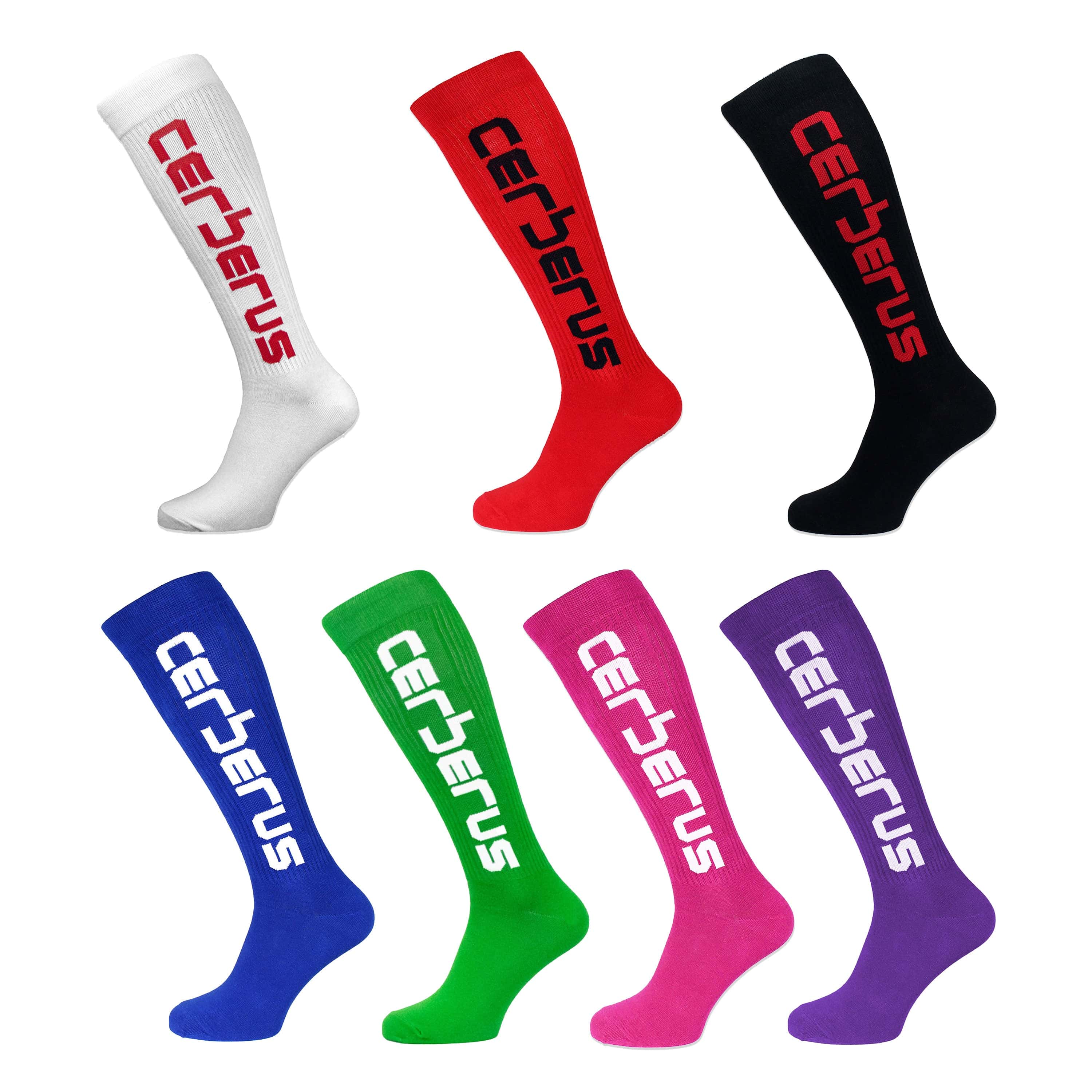
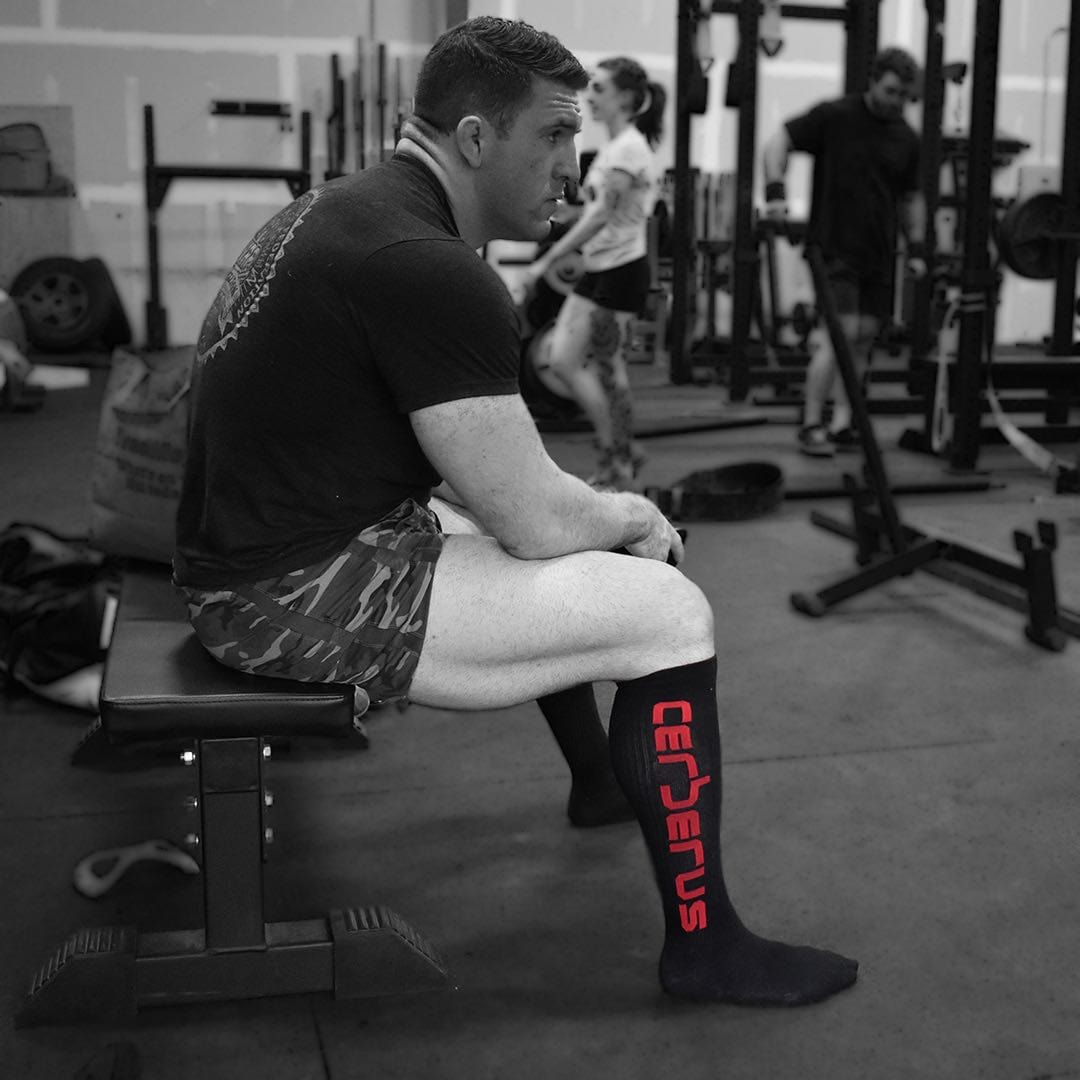
MADE TO ORDER
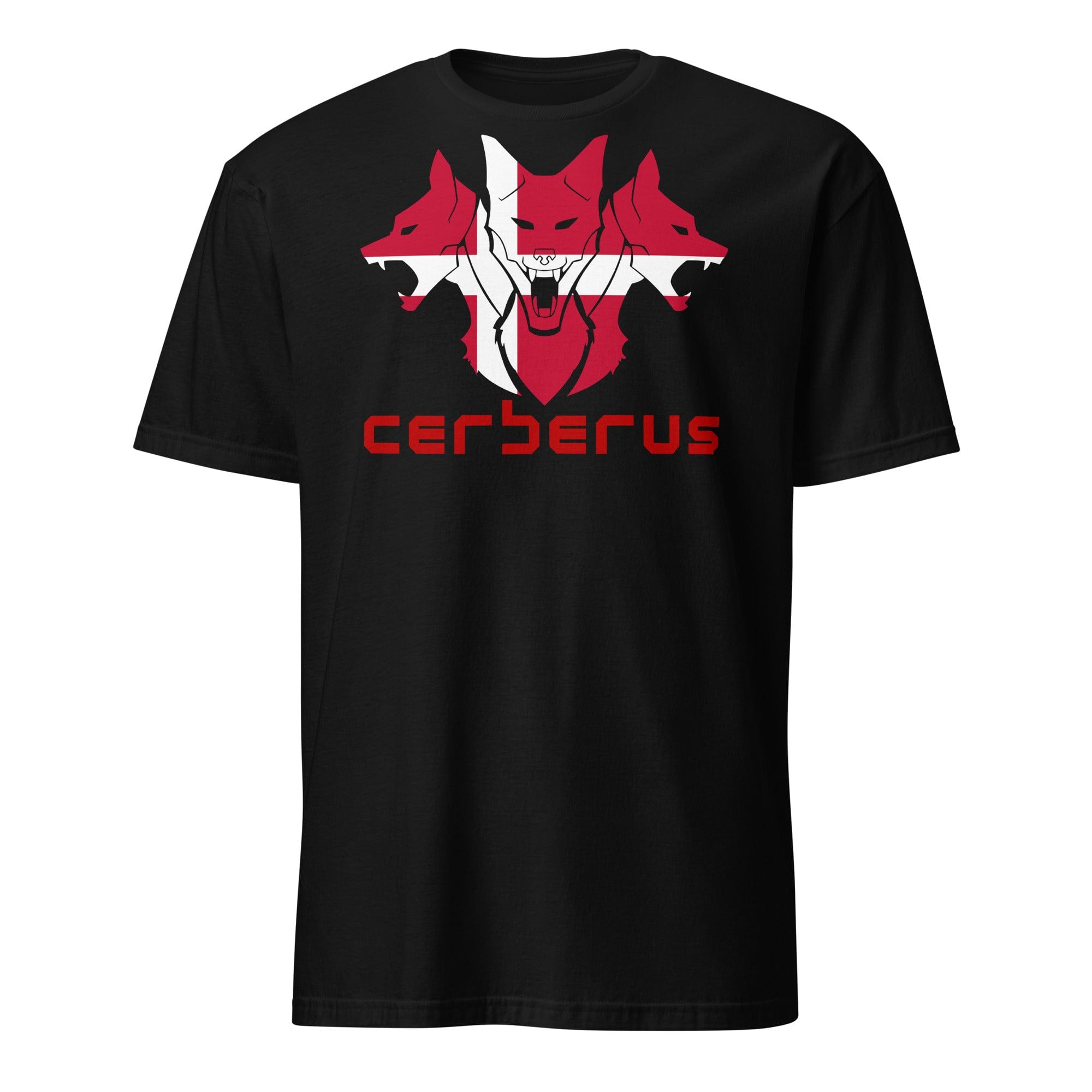

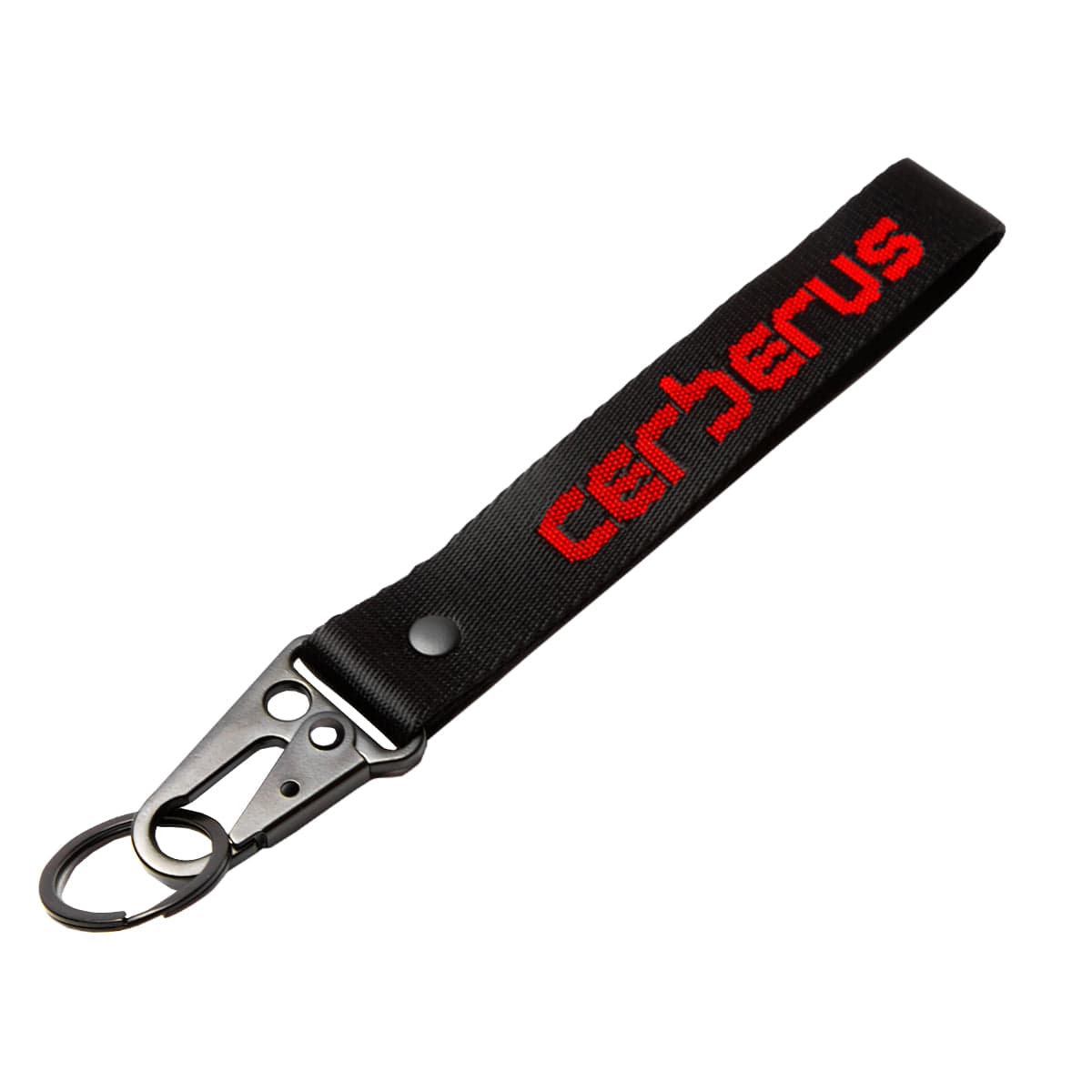
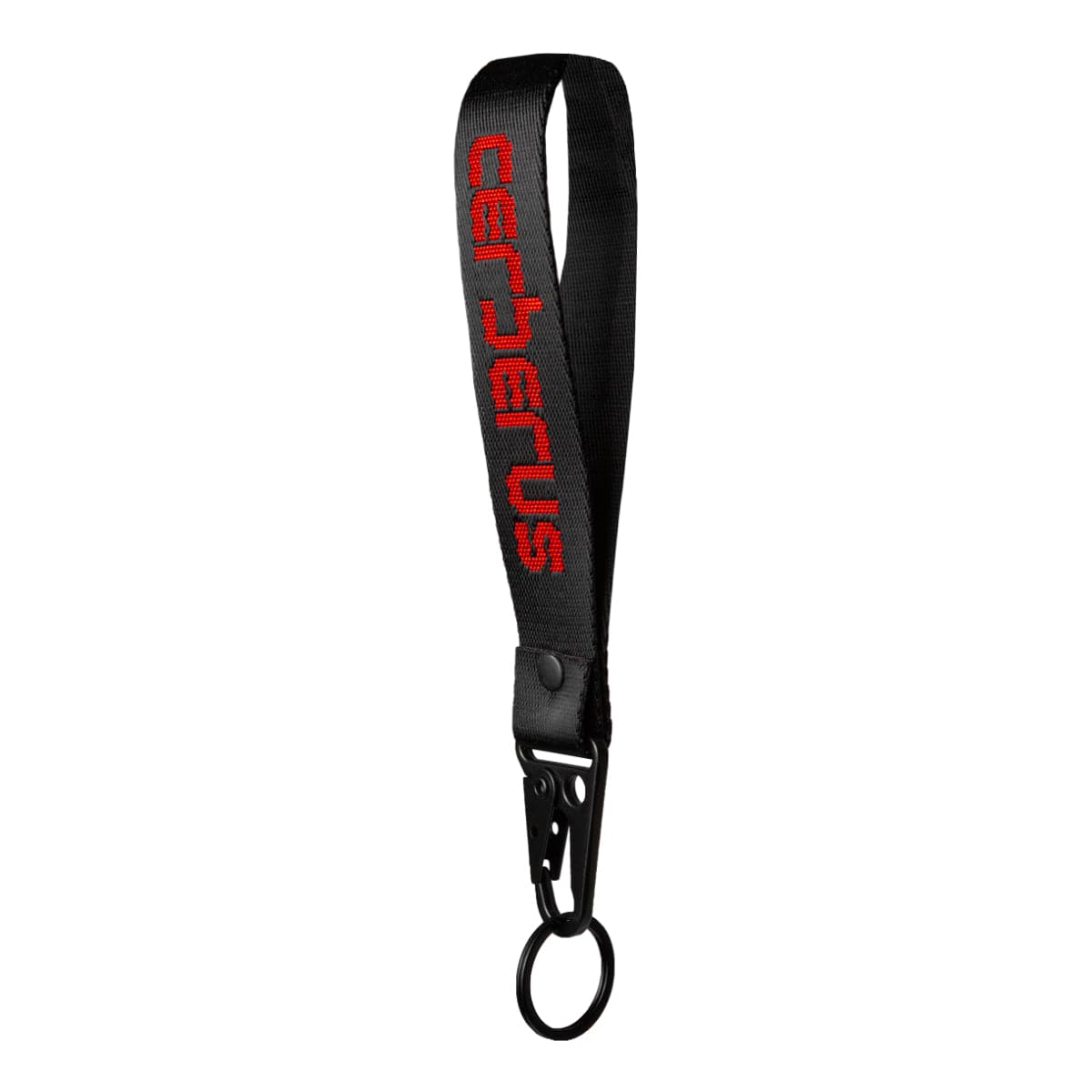
MADE TO ORDER
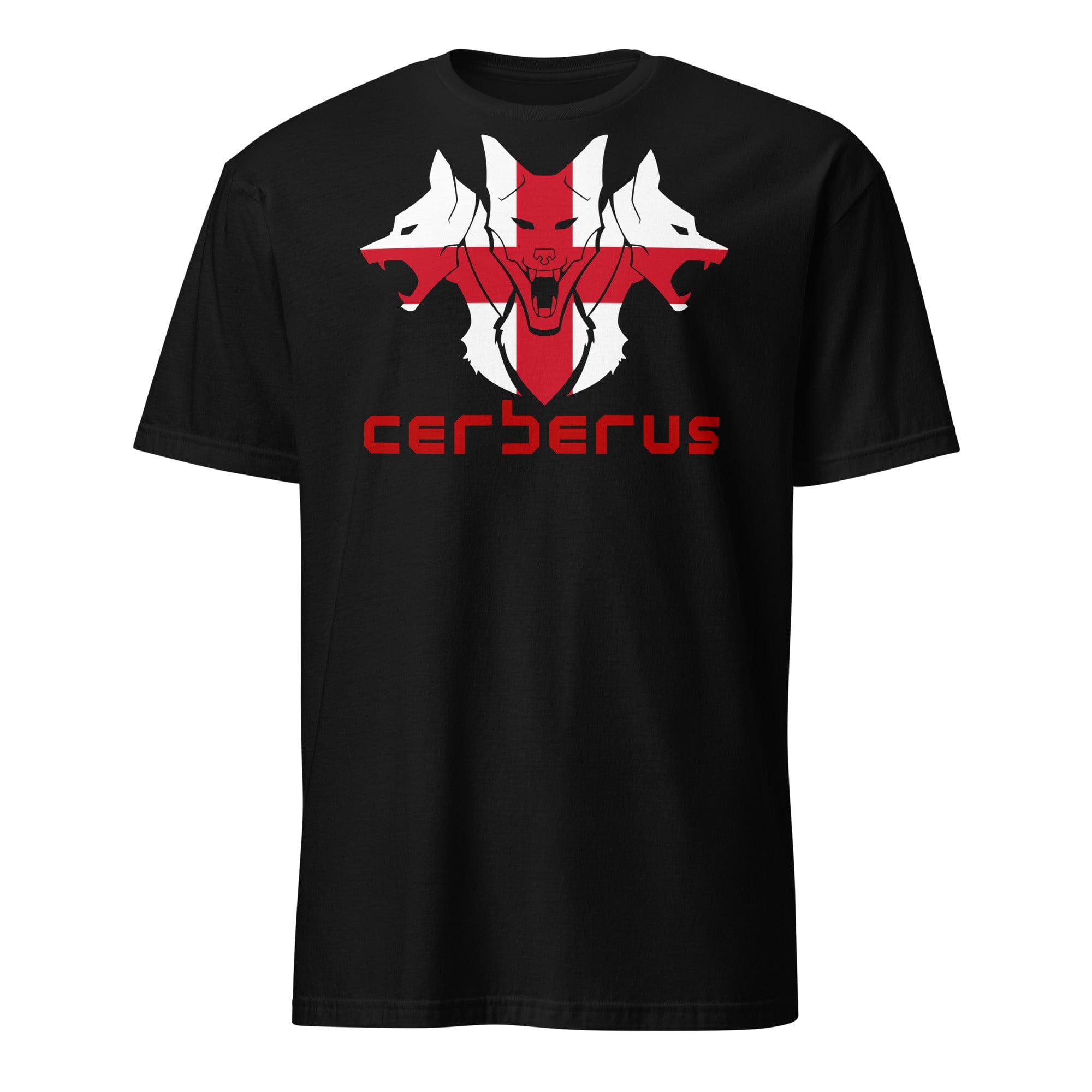
PayPal Pay Later Messaging
Step 1: Choose message placement
Click the button below and then hover over your page to select a placement.